JSNDEV

JSNDEV · Malaysia

Software that just works, for your phone, car and home.

JSNDEV is a small software studio making phone apps, in-car software and home servers. We only build things we use every day ourselves, then polish every detail until it feels right.

iOS / Android appsIn-car softwareHome serversWeb & backends
Product · CarPlayer

When the car stops,
the screen becomes your media center.

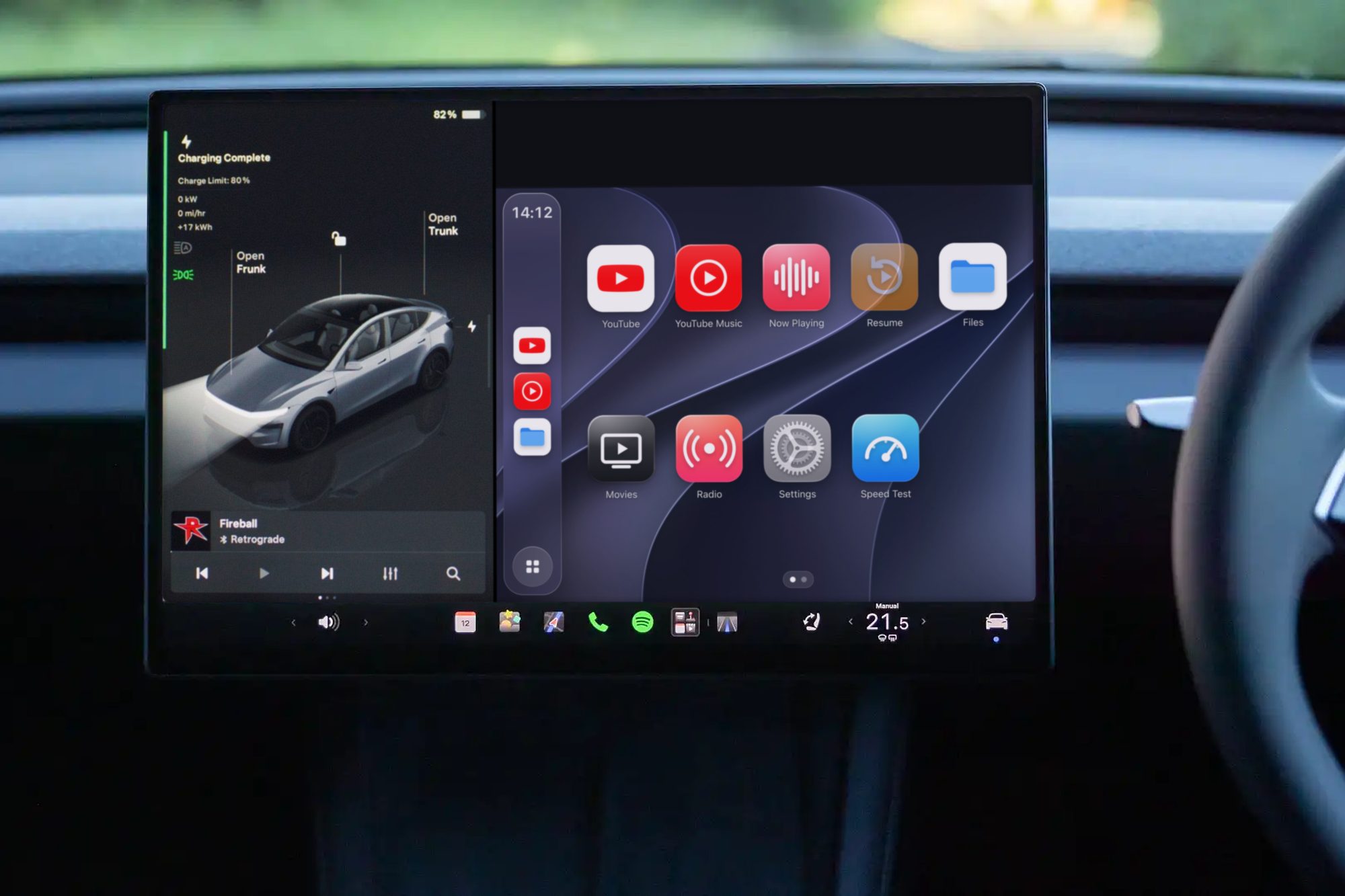
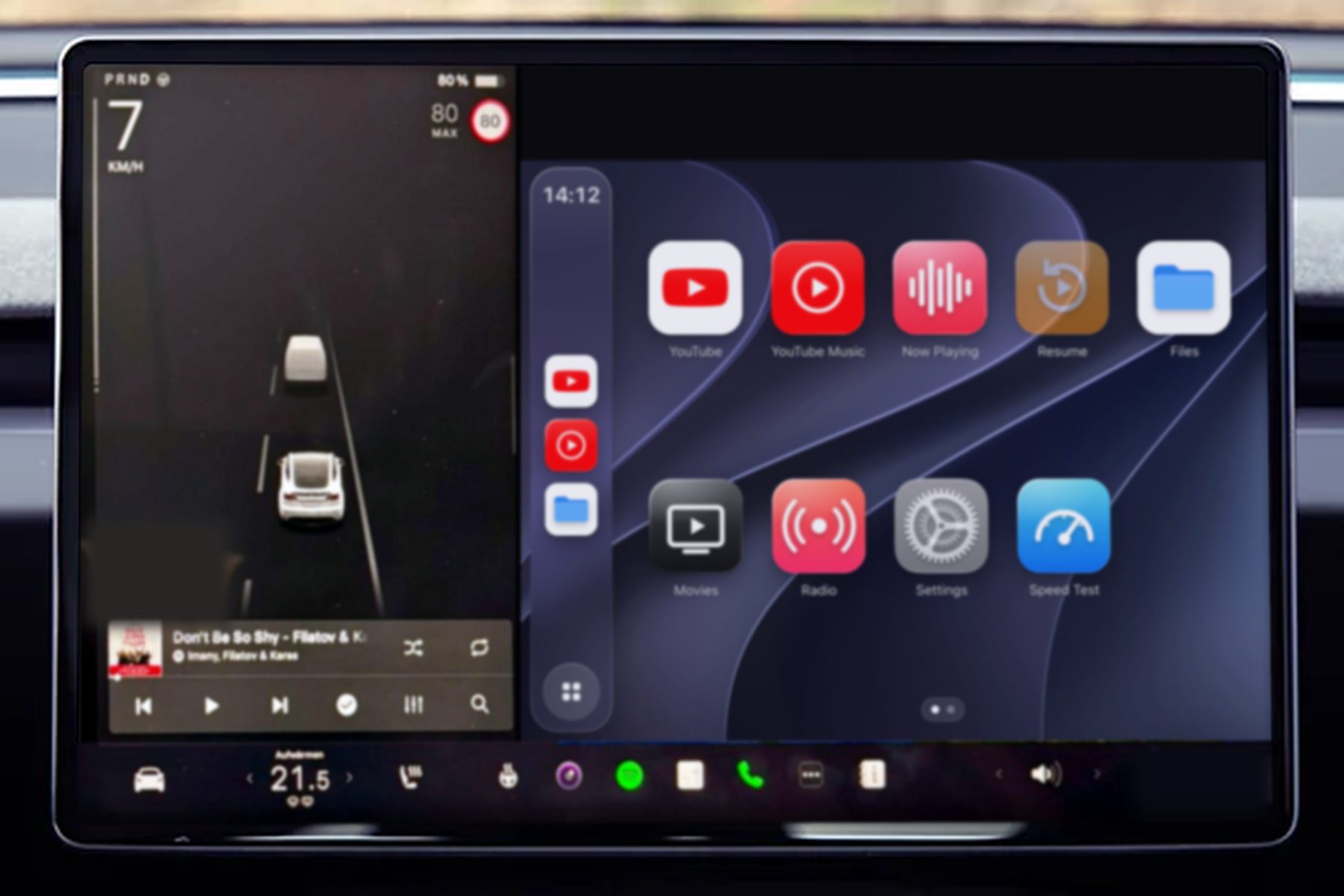
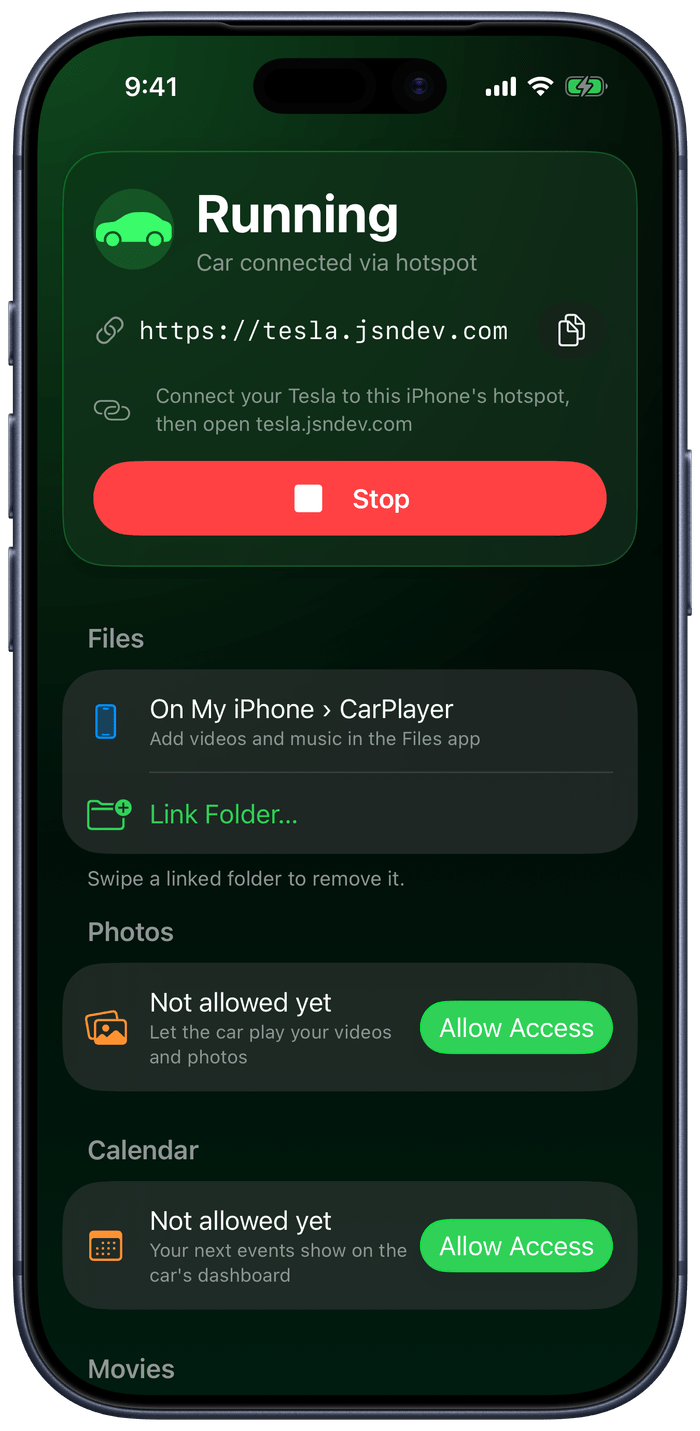
Turn the computer at home into a cinema and radio for your car. While you wait, charge or rest, play movies, music and live radio right in the car's browser. Navigation on one half of the screen and CarPlayer on the other works too.

Currently invite-only
CarPlayer home screen in the car browser: YouTube, YouTube Music, Now Playing, Resume, Files, Movies, Radio, Settings and Speed Test

What it does

Your library, your radio, wherever you drive.

CarPlayer runs on the Mac or Windows PC at your home, and your car connects back to it from anywhere. Your movies and music stay on your own computer and never pass through a third party.

Your own movie library

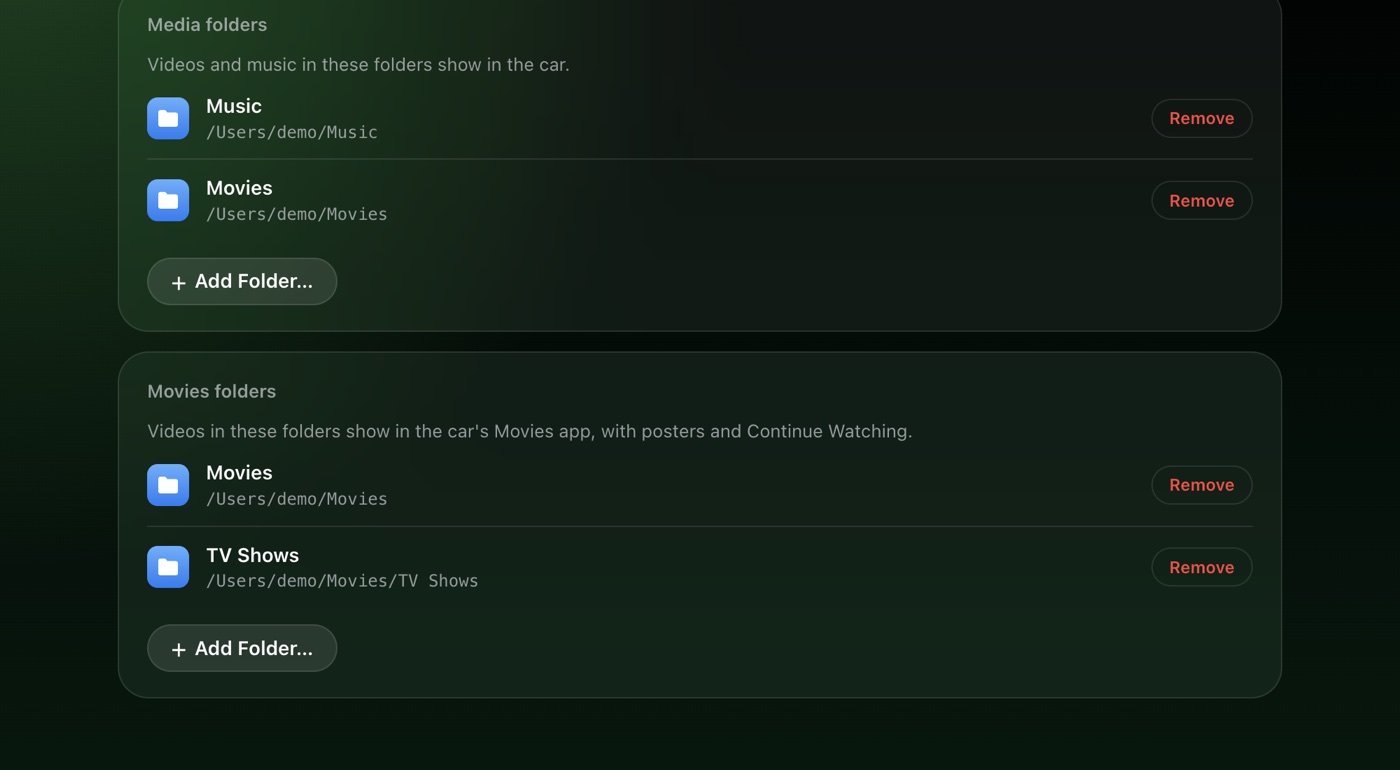
Point it at a few folders and it sorts out posters, episodes and resume points for you. External, embedded and dual-language subtitles all display.

Chapters · Skip intro · 0.75–2× speed, pitch kept

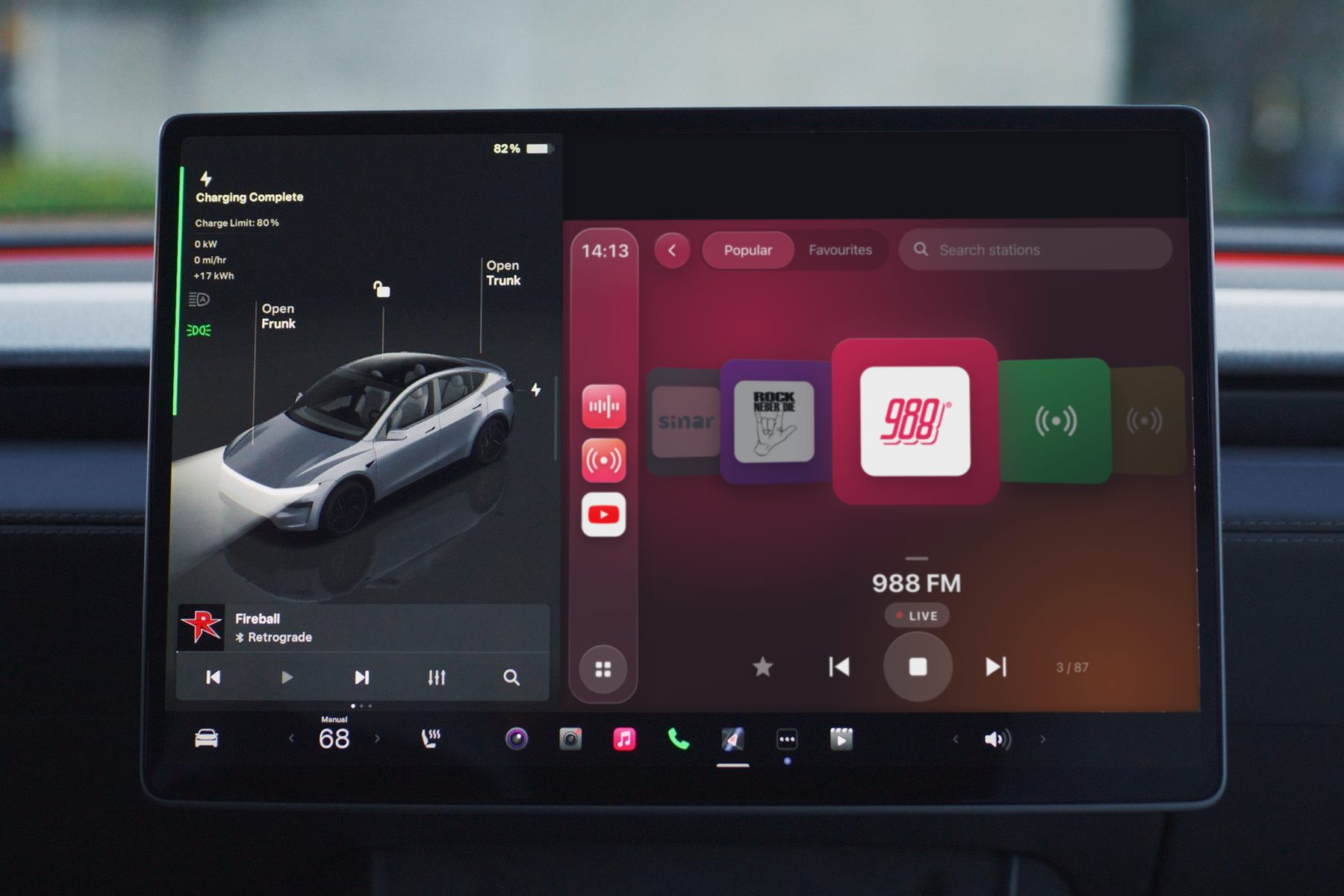
Local live radio

Malaysia's popular stations lined up as cards. Swipe left or right to change station, and the colours follow each station's logo.

Favourites · Search · Swipe sounds

Music and lyrics

Your local music organised into albums and playlists, with a play queue, shuffle and repeat, and line-by-line lyrics that follow the song.

Synced lyrics · Play queue

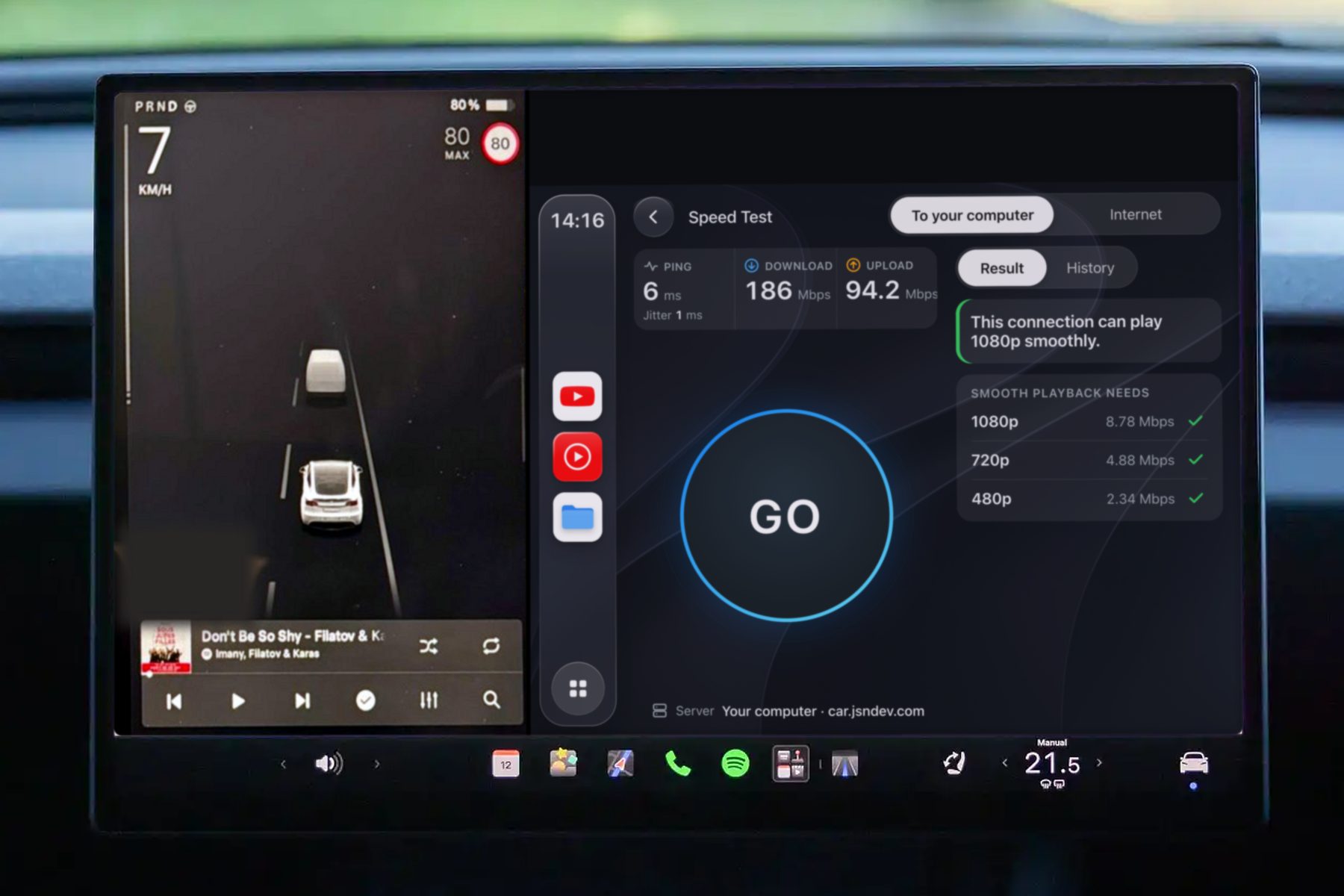
Speed test in the car

One tap tests car-to-home and car-to-internet speed, and tells you straight away which resolution plays smoothly on this connection.

Latency · Jitter · Download · Upload

Pairing required

Each car enters the pairing code shown on your computer the first time it connects. Settings can only be changed on your home computer, never from outside.

HTTPS · One code per car

Keeps itself up to date

New versions download in the background and install quietly when nothing is playing in the car. The driver never has to think about it; it's always the latest when you open it.

Mac · Windows · 中文 / English

Smooth first

The network drops, the picture doesn't stop.

A car's connection comes and goes. CarPlayer keeps watching the buffer: just before it would stall, it steps down one quality level and keeps playing, then steps back up when the network recovers. Seeking lands exactly where you drag, without jumping back.

1080p≈ 9 Mbps
720p≈ 5 Mbps
480p≈ 2.4 Mbps

How it works

Three steps, no command line.

Everything is set up by clicking through the app's window. The first time takes about five minutes.

Install it on your home computer

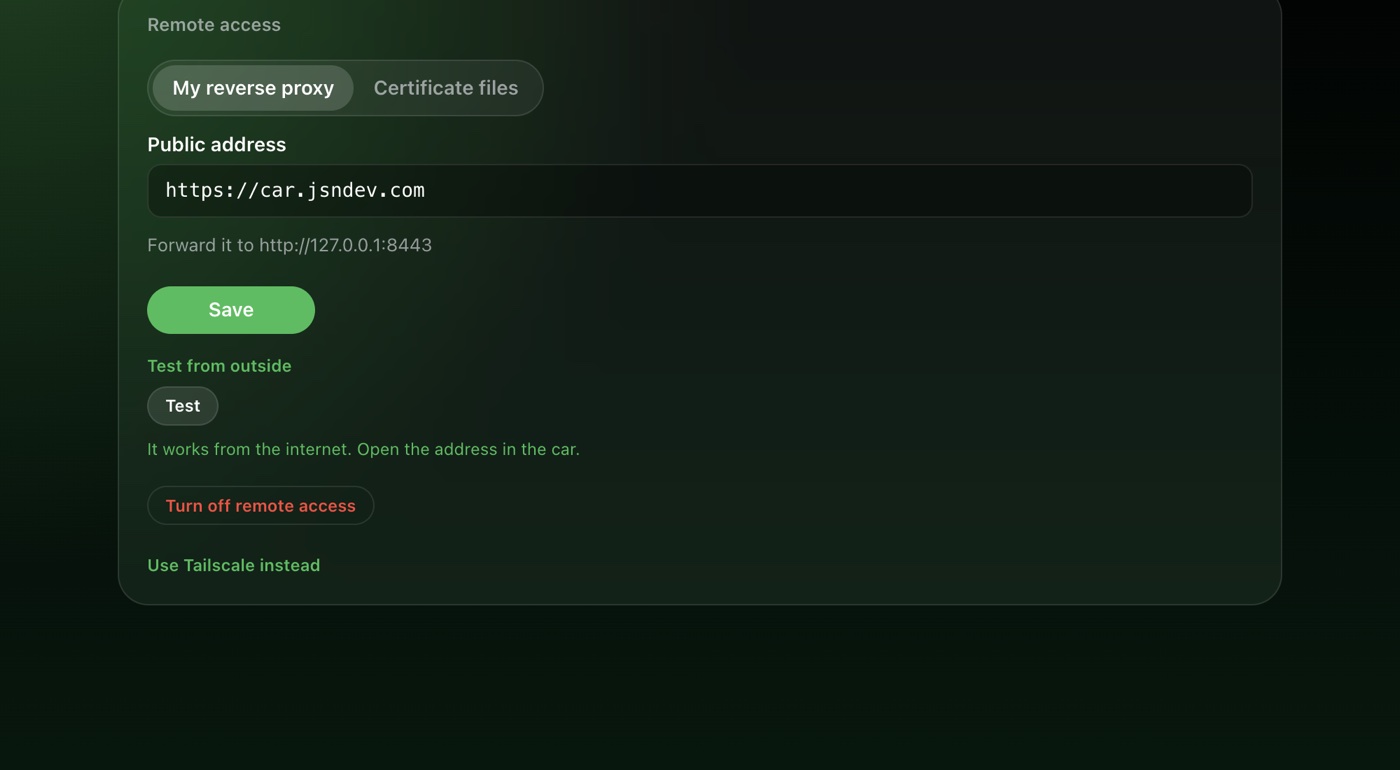
Mac or Windows. Choose your movie and music folders, then turn on remote access.

Open the address in the car

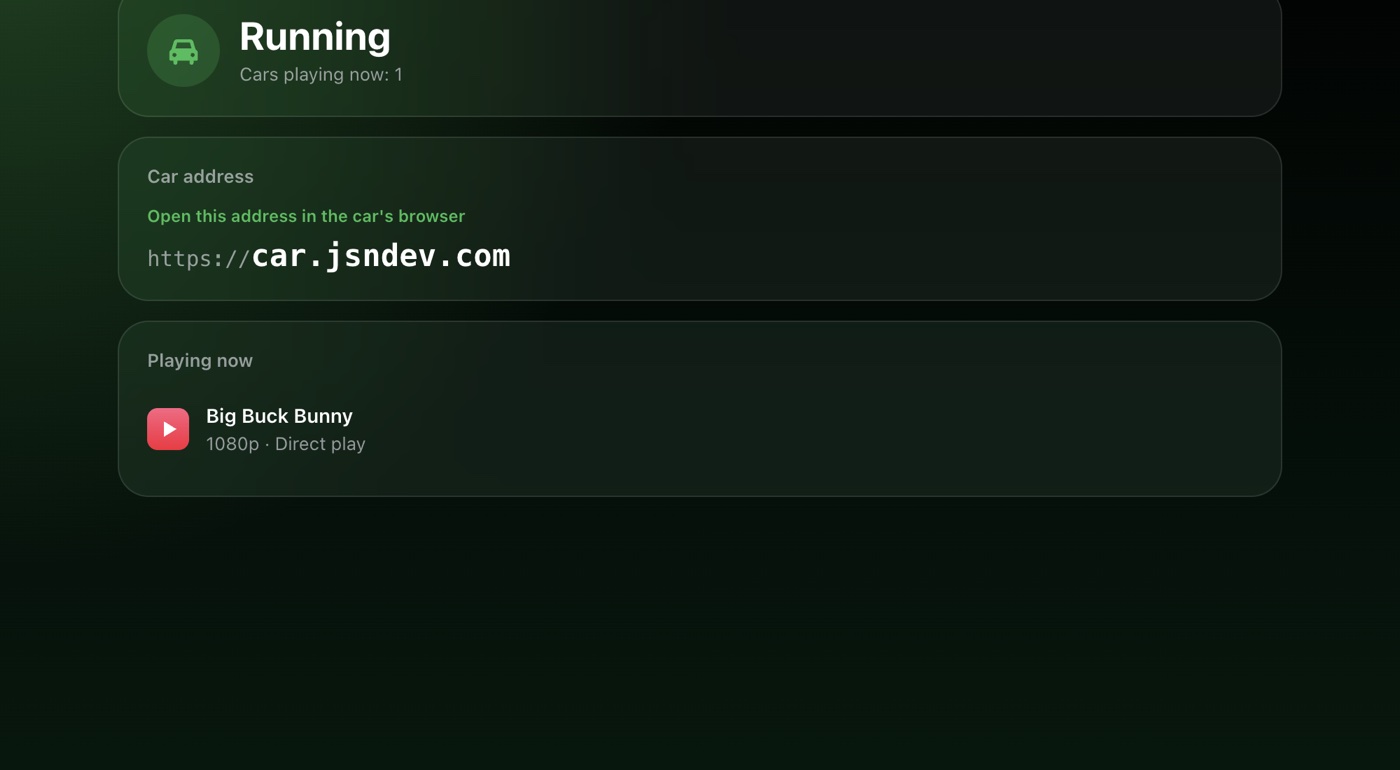
Open your own address in the car's browser, for example carplayer.example.com.

Enter the pairing code

Your computer shows a six-digit code. Enter it once in the car, and from then on it just opens.

About JSNDEV

Software for the small things you really do every day.

From phone apps to in-car media to home servers, every JSNDEV product is used in our own lives for a while first, and only released once it feels right. CarPlayer is currently open to invited users only.

Partnerships and enquiries: get in touch with JSNDEV